git美化
起因是发现自己follow的大师傅个人主页跟普通的不太一样:
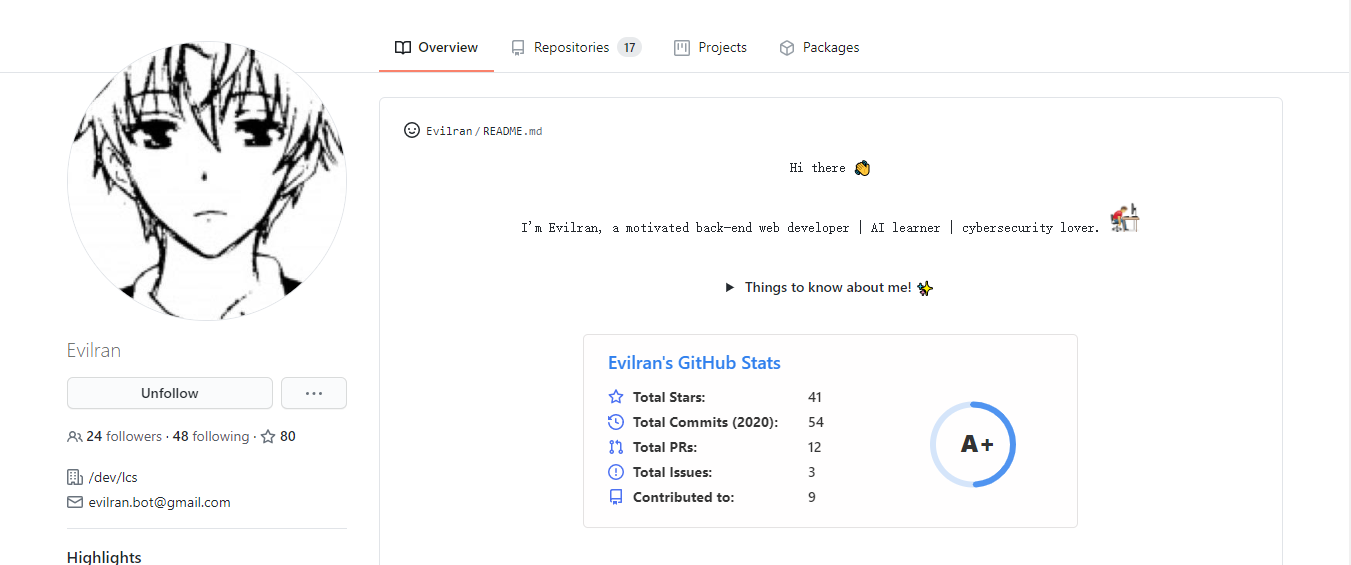
猜测应该是Github啥时候出现的新功能,查了一下,发现可以通过创建同名仓库来实现个人主页的美化设置
首先在 GitHub 上建立一个与自己 GitHub 账户同名的仓库,勾选 README。
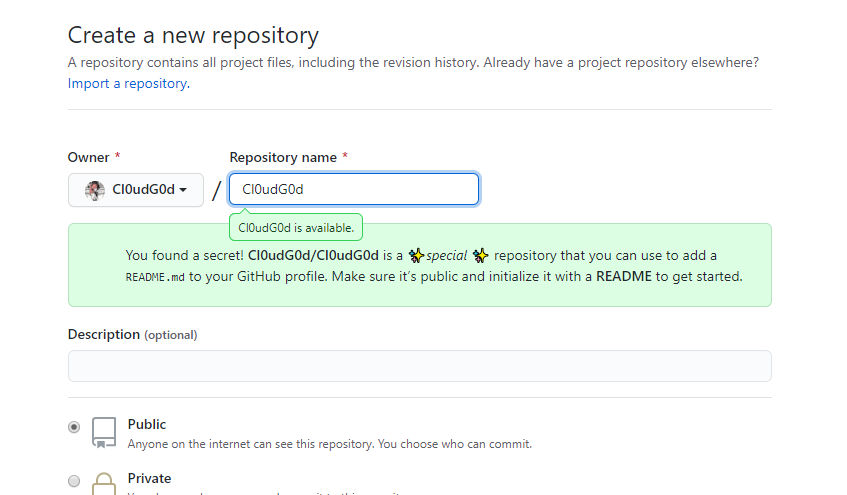
同时可以看到有提示出现:
You found a secret! Cl0udG0d/Cl0udG0d is a ✨special ✨ repository that you can use to add a
README.mdto your GitHub profile. Make sure it’s public and initialize it with a README to get started.
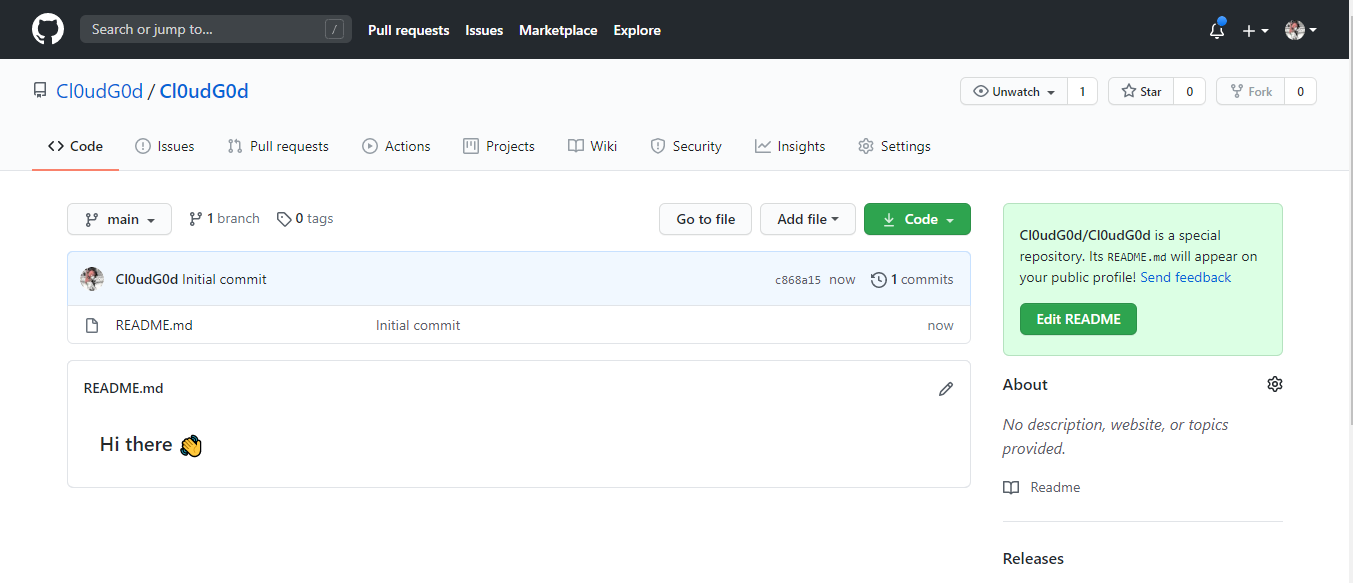
创建仓库后可以看到 readme文件为:
查看主页:
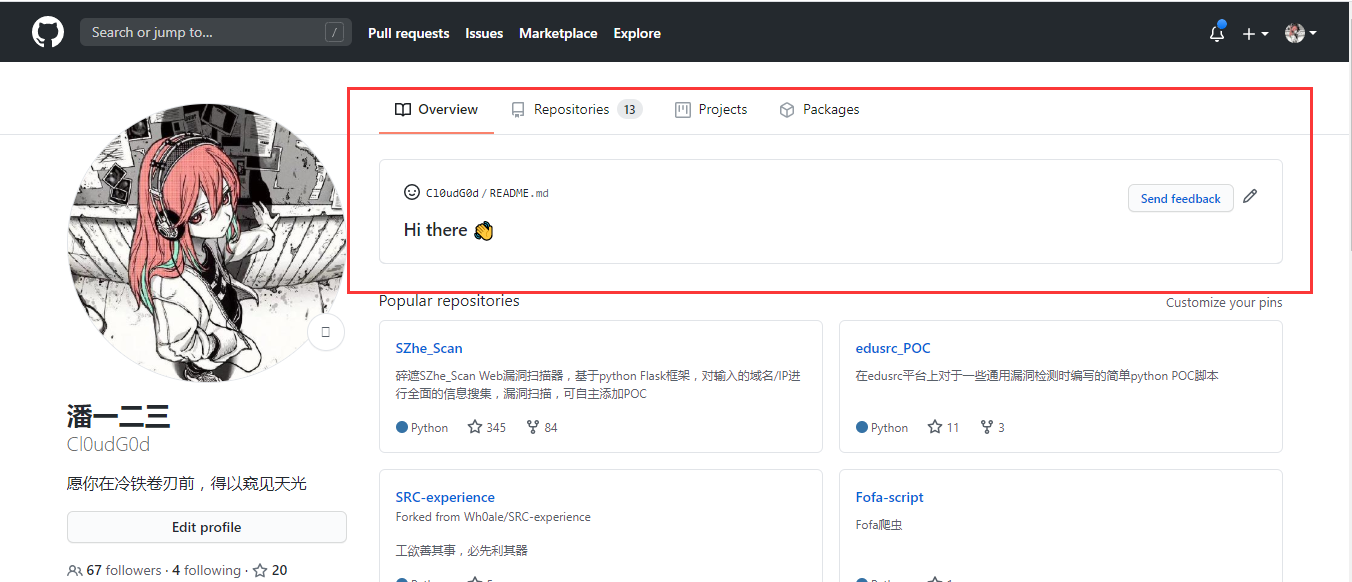
现在我们只需要修改README文件就可以美化我们的个人主页啦
当然网上已经有很多优秀的主页了,我们可以选择性地参考白嫖
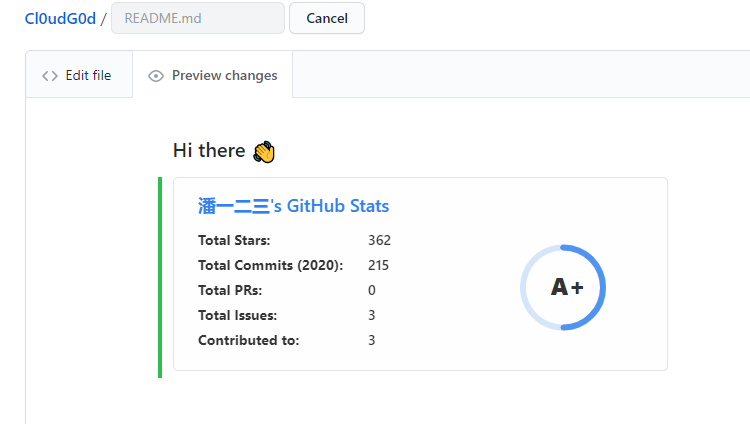
先配合 https://github.com/anuraghazra/github-readme-stats 使用,它可以在你的 README 中 获取动态生成的 GitHub 统计信息,其中文使用文档为:https://github.com/anuraghazra/github-readme-stats/blob/master/docs/readme_cn.md

修改username为自己的github用户名:
1
[](https:``//github``.com``/anuraghazra/github-readme-stats``)
预览效果为:
接着去康康优秀的个人主页模板:https://github.com/kautukkundan/Awesome-Profile-README-templates
这个仓库收集了很多有创意的README 模板,我们可以参考着自己修改。
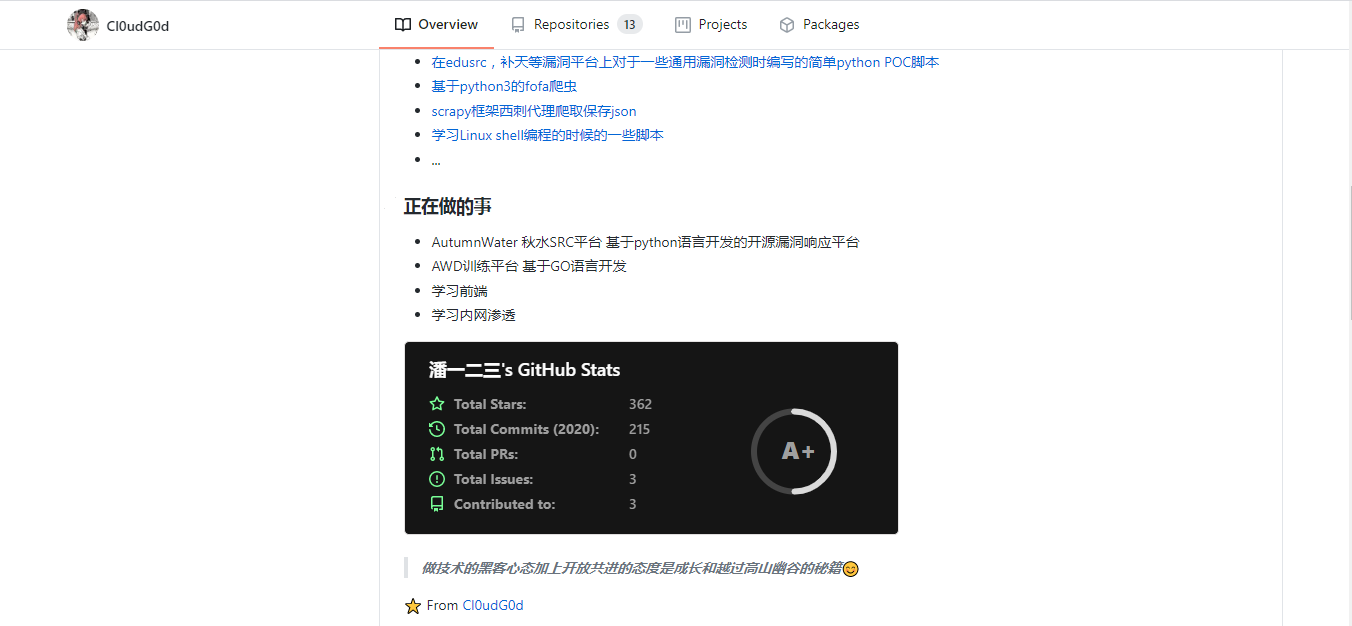
暂时选择该模板:https://github.com/kautukkundan/Awesome-Profile-README-templates/blob/master/elaborate/JoeyBling.md
修改之,最后的效果为:

现在个人主页就丰富多了,附上 github 链接: